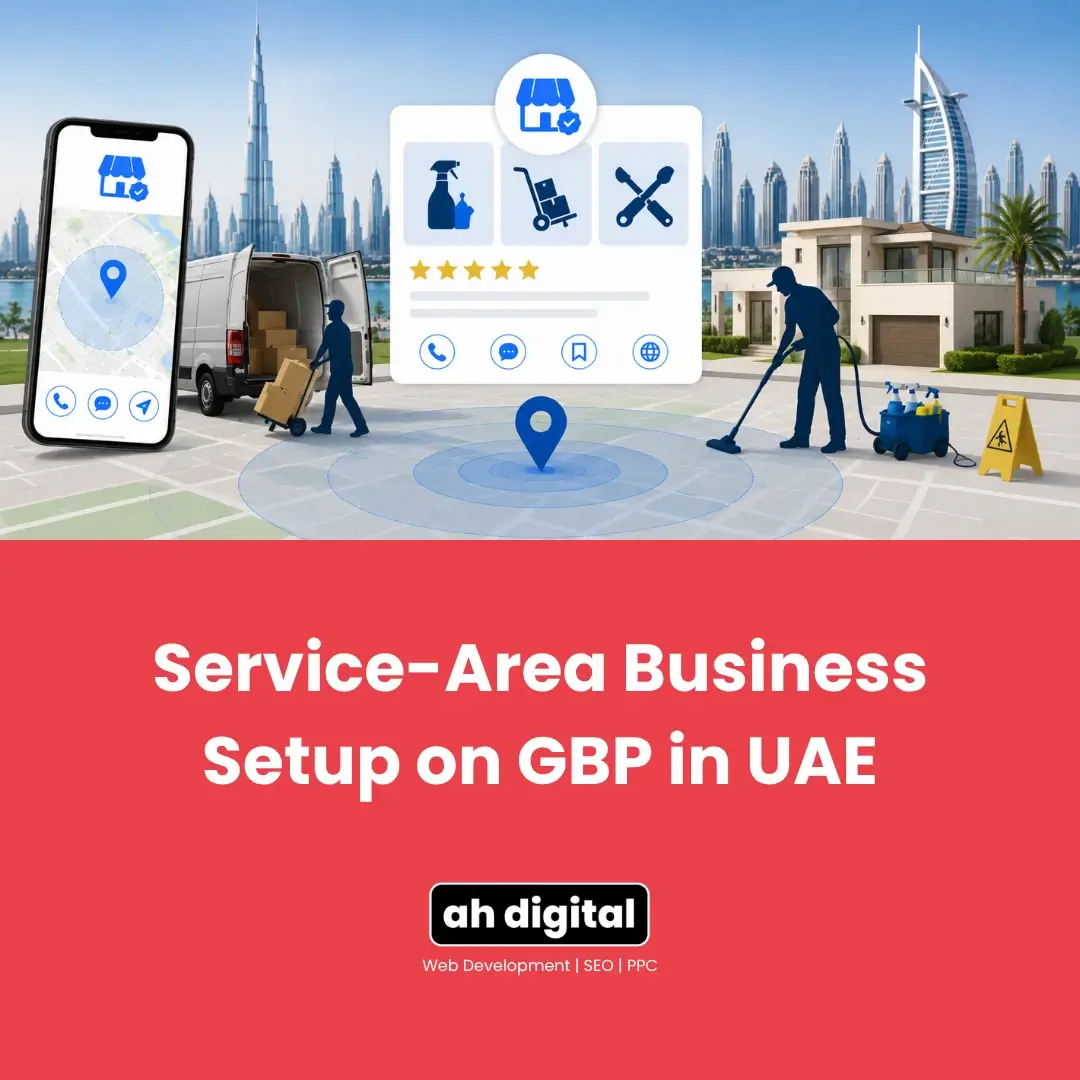
You run a cleaning company. Nobody has ever visited your office, and nobody ever will, because the work happens in the customer’s villa.
So when you set up your Google Business Profile and it asked for an address, you entered one. It is on the listing now, visible to everybody, pointing at a unit in a warehouse block where you keep equipment.
That is the wrong setup, and it is the most common one among UAE home service businesses. Not because owners are careless, but because nothing in the process tells you there is a different option.
Here is how a service-area business is supposed to be configured, why Google scrutinises this category harder than any other, and the specific mistakes that end listings in this market.
What Makes You a Service-Area Business
The Test Is Simple
You are a service-area business if customers do not come to your business address to be served. The work happens at their location.
That covers most of the UAE’s home services sector: cleaning companies, movers, plumbers, electricians, AC maintenance, pest control, handyman services, mobile car washing, catering that delivers.
It does not matter whether you have an office. It matters whether customers are served there.
The Hybrid Case
Some businesses genuinely do both. A workshop that repairs equipment on site and also sends technicians out is a hybrid, and hybrids do display an address, because customers really can visit.
If you are not sure which side you fall on, the decision has real consequences, and choosing between storefront and service area is one of the settings that gets UAE businesses suspended when it is answered wrongly. Work that out before you go further.
How to Hide Your Address Correctly
Direct answer: turn off the setting that displays it, and add service areas in its place.
The Setting Itself
In your profile settings there is an option controlling whether your business address is shown to customers. Switch it off, and your Business Profile will show your service area instead of a street address.
Google’s own guidance on that page is direct about who this is for. You should only choose not to show your address if your business genuinely is a service-area business. This is not a privacy toggle for businesses that would simply prefer not to publish where they are.
You Still Need a Real Address
Hiding the address from customers does not mean operating without one.
Google still needs a genuine location to verify you against, and service-area businesses are expected to remove the address from public display rather than never provide one. The address exists in the system. It is just not shown on your listing.
This distinction matters because it kills the most popular workaround, which we will come to shortly.
Setting Your Service Areas Sensibly
The Two Limits
You can have up to 20 service areas, which sounds generous and is rarely the binding constraint.
The limit that actually matters is the second one. Google advises that the boundaries of your overall service area should not extend more than roughly two hours of driving time from where your business is based.
Why Claiming Everything Backfires
There is a strong pull toward listing all seven emirates. More coverage, more customers, more visibility. It does not work that way.
Your service areas describe where you work, and Google weighs proximity heavily for local searches regardless of what you have claimed. A business based in Deira that lists Fujairah does not start appearing for Fujairah searches. It just describes itself less accurately.
Set the areas you genuinely serve and can reach in a sensible time. If you truly cover the northern emirates from a Dubai base, that is fine. If you are listing them because they were available to tick, remove them.
One Business, One Profile
This one costs people their listings. A service-area business gets a single profile covering everywhere it serves, not one per emirate and not one per neighbourhood.
Creating a listing for “Dubai Marina Cleaning” and another for “JLT Cleaning” from the same operation produces duplicates, and duplicate listings have to be merged carefully to avoid losing your reviews once they exist. Better not to create them.
Why Service-Area Businesses Get Extra Scrutiny
Direct answer: because this is the category where fake listings concentrate, and Google knows it.
The Reason Behind the Rules
A service-area business has no storefront, no signage and no customers walking in. That is exactly what makes it a legitimate business model, and also exactly what makes it easy to fabricate.
Someone can claim to run a cleaning company covering all of Dubai from an address nobody can inspect. Verification for this category is stricter because Google is filtering for that, not because it doubts you specifically.
The practical consequence: your documentation and consistency need to be better than a storefront business would need. Trade licence, address, phone number and business name all matching across every place they appear.
What Verification Tends to Involve
Expect video, as most new listings now do. For a service-area business it typically means demonstrating that the business genuinely operates: equipment, branded vehicles, work in progress, documentation.
Our first-try checklist for UAE video verification covers what a passing video contains, and the reasons Google rejects verification videos are worth reading before you record rather than after.
The Mistake That Ends Service-Area Listings
Mailboxes and Virtual Offices
Here is the workaround that circulates constantly and reliably backfires.
The logic seems sound. The address is hidden anyway, so why not use a mailbox service or a cheap virtual office package as the address behind the listing? Nobody sees it.
Google sees it. The address you verify against has to be a place your business genuinely operates from, and using a mailbox rental for this purpose is a well established route to suspension. Whether a virtual office or flexi-desk address qualifies at all depends on specific conditions, and most cheap packages do not meet them.
The hidden address is not an unchecked field. It is the field your verification depends on.
Keyword Stuffing the Name
The second most common one, and it applies everywhere but bites service-area businesses hardest because they compete on generic terms.
“Sparkle Cleaning” becomes “Sparkle Cleaning Services Dubai Deep Cleaning Villa”. It is a guideline violation and one of the most dependable ways to get suspended.
Ranking a Business With No Address
Proximity Still Applies, and You Cannot Control It
This is the hardest thing to accept about service-area businesses. Google still ranks local results partly on how close the business is to the searcher, and your base location is what it measures from, even though customers never see it.
So a customer in Abu Dhabi searching for cleaners will mostly see Abu Dhabi based companies, no matter how many service areas you have added. Adding more areas does not change the maths.
What this means practically: if a large share of your work comes from one emirate you are not based in, that is an argument for a genuine second location with real operations, not for stretching your service areas further. Our post on managing profiles for multiple branches covers how that is structured properly.
What You Can Control
Reviews, categories, response times and completeness all still work normally, and they matter more here precisely because you cannot lean on a prominent address.
Reviews that mention specific areas are particularly useful. A review saying the team did a good job in Jumeirah is a genuine relevance signal for that area, and it comes from customers rather than from a settings page.
Photos matter too, and service-area businesses tend to neglect them because there is no storefront to photograph. Photograph the work instead: branded vans, uniformed staff, before and after shots of actual jobs. It demonstrates the operation is real, which is the exact thing Google is uncertain about with this category.
The Bottom Line
If customers never come to you, your profile should show where you work rather than where you are based.
Turn the address off properly rather than entering something vague. Set service areas you genuinely cover within a sensible drive. Keep one profile for the whole operation. And do not put a mailbox behind the listing, because the hidden address is the one Google checks hardest.
If you run a UAE home services business and want this configured correctly rather than corrected after a suspension, our Google Business Profile management service sets up service-area businesses across the emirates.
Shaji Vempanadan’s Dubai office is one of the profiles we have set up this way. His words afterward: “Abdul was very quick and prompt in all responses. We got it approved at the first go!” The full verification process.
WhatsApp Hameed for a quick question, or call +971 56 544 6241 for a free consultation. There is also a contact form if you prefer.
A hidden address is still an address, and Google looks at it more closely than the one on display.