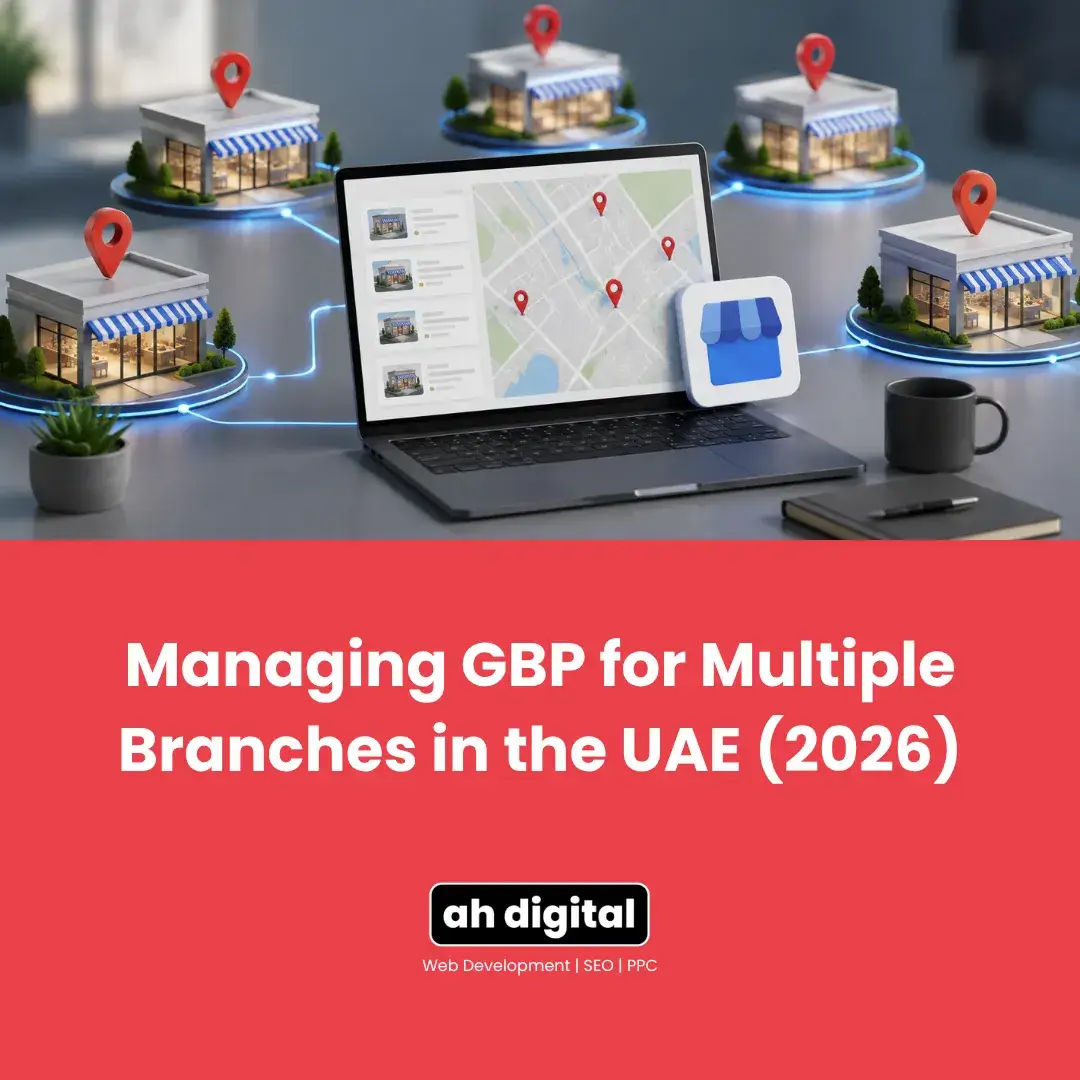
You opened a second branch, so you created a second Google Business Profile. Then a third. Now you are logging in and out of separate accounts, the Deira listing still shows last year’s Ramadan hours, and nobody is quite sure who has access to the Sharjah one.
This is the point where managing profiles one at a time stops working.
Google has a proper structure for multi-location businesses, and most UAE owners never find it because nothing prompts them to look. Here is how it works, which route applies at your size, and the mistakes that quietly hold multi-branch businesses back.
When One Profile Becomes Several
Two to Nine Locations
At this size you want a business group. Business Profile Manager is the dashboard built for handling more than one location from a single account.
Everything sits under one login. You switch between branches instead of signing out, and you can give a branch manager access to their own location without handing over the whole account.
Ten or More Locations
Past ten, a different option opens up: chain verification, sometimes called bulk verification. It whitelists your account so each new branch does not need its own postcard.
This matters most for franchises and retail groups adding locations regularly. For a business with three branches it is neither available nor necessary.
What Is a Business Group?
Direct answer: a container that holds multiple branch profiles under one account, so you manage them together rather than separately.
Location Groups Explained
A location group is effectively a business account inside Google Business Profile. Create the group, add each branch to it, and every profile becomes visible from one place.
The practical gain is small but constant: no more password resets on the account nobody has touched since the branch opened.
Groups also make bulk edits possible. Changing a holiday closure across eight branches becomes one operation rather than eight logins, and bulk location management exists precisely for this.
Agency Groups Are Different
If an agency manages your profiles, there is a separate structure for that. An agency group lets a third party manage your locations without owning them, which matters enormously when the relationship ends.
The distinction is worth understanding before you hand access to anyone. Ownership stays with you, management is delegated, and you can revoke it. Businesses that skip this end up in the position our post on recovering a profile from an old agency describes.
Delegating Access Without Sharing Logins
This is the part worth setting up properly. You can add users to a group with different permission levels, so a branch manager can reply to reviews and post updates for their own location without touching the others.
The alternative, which is what most businesses do by default, is sharing one login by WhatsApp. That is how profiles end up owned by people who left two years ago. If that has already happened to you, our guide on getting a profile back from an ex-employee or old agency covers the recovery route.
Bulk Verification and Who Qualifies
Direct answer: ten or more locations, same business name, same category, and you must have authority over all of them.
The Eligibility Rules
All locations must share the same business name and category, and you need to be the primary owner or have authority to represent them all. A group of differently branded businesses under one owner does not qualify, even if you run all of them.
One exclusion catches people out: service area businesses are not eligible for bulk verification. If your branches deliver to customers rather than receiving them, this route is closed. Our guide on choosing between storefront and service area explains why that distinction matters so much.
The Process
You upload a spreadsheet of your locations, then submit a separate chain verification request. Uploading the spreadsheet alone does not trigger verification, which is a common misunderstanding. In Business Profile Manager you go to Verifications, choose Chain, and complete the form.
Approval is not instant and not guaranteed. Google reviews the request like any other verification.
Keeping Branches Distinct
Why Identical Descriptions Hurt
The fastest way to set up ten branches is to write one description and paste it ten times. It is also the fastest way to look like a low-quality listing set.
Each location needs to be treated as its own entity with details that genuinely differ. Mention the actual area, the parking situation, what makes that branch different.
Per-Branch Phone Numbers and Hours
Give each branch its own phone number wherever possible. A central number on every listing means your Marina customer reaches someone in Deira who cannot help with a Marina question.
Hours matter more in the UAE than in most markets, because branches in different emirates frequently keep different schedules, and Ramadan timings rarely change uniformly across all of them.
Photos Per Branch
Using the same photo set across every location is the visual equivalent of the copy-paste description. Customers checking a specific branch want to see that branch.
Treating each location as its own listing extends to imagery. Photograph each frontage, each interior, each team. It is an afternoon of work per branch and it separates listings that look real from listings that look generated.
Categories Can Differ
Branches do not always offer identical services. A location with a workshop attached may warrant a secondary category the others do not have.
Be careful here if you intend to apply for chain verification later, since that route requires matching categories across locations. Decide which matters more before you set them.
The UAE Complication
Multiple Emirates, Multiple Licences
A business operating across Dubai, Sharjah and Abu Dhabi often holds separate trade licences per emirate, sometimes under slightly different legal names.
That matters because verification checks documentation against the listing. If the trade licence for the Sharjah branch carries a different legal entity name, expect that verification to be examined more closely. Keep each branch’s licence accessible before you start, not after a profile gets suspended.
Free Zone and Shared Addresses
Branches inside business towers, free zones or shared offices raise the same questions a single listing would, only multiplied. Each still needs signage and a genuinely distinct unit. Our guide on verifying in a shared office or business tower applies to every branch individually.
Managing Reviews Across Branches
Reviews attach to the branch, not the business, which is exactly what you want. It also means one poorly managed location drags down only itself, and that its reviews will not help the others.
Assign review responses to branch level. The manager who was there knows what happened. A head office reply written three emirates away reads like it, and customers can tell.
Watch for reviews landing on the wrong branch, which happens frequently when locations are close together or when customers pick whichever listing appears first. Those can usually be reported, though not always successfully.
Tracking Which Branch Actually Performs
With several listings you can finally compare. Monitoring performance per location rather than in aggregate tells you which branch converts searches into calls and which is invisible despite sitting in a busier area.
That comparison usually surprises people. The branch generating the most walk-ins is often not the one generating the most search activity, and knowing the difference changes where you spend.
Common Multi-Branch Mistakes
One listing for several branches. Businesses sometimes list only the head office and add other areas as service areas. That forfeits local visibility everywhere except the head office.
Branches created under personal accounts. Each branch set up by whoever opened it, under their own Gmail. Recoverable, but tedious, and it becomes urgent the moment somebody leaves.
Ignoring a closed branch. A location that shuts should be marked permanently closed, not deleted. Deleting removes the reviews and leaves customers finding stale information elsewhere.
Assuming rankings transfer. A strong Deira listing does nothing for a new Marina branch. Each earns visibility independently, and a new branch starts from nothing regardless of how established the business is. If a branch is verified but invisible, our post on profiles that are verified but not showing on Maps covers why.
The Bottom Line
Multi-branch is not one profile repeated. It is several genuinely distinct listings managed from one place, each with its own phone, hours, description and reviews.
Set up a business group before you are juggling logins. Apply for chain verification only if you genuinely have ten or more matching locations. And resist the copy-paste, because branches that look identical to Google tend to perform like duplicates.
If you are running several UAE branches and would rather have this structured properly than fixed after a suspension, our Google Business Profile management service handles multi-location setups across the emirates. WhatsApp us or call +971 56 544 6241 and we will look at how yours is organised.
One business with many locations still needs many listings that each earn their own place.