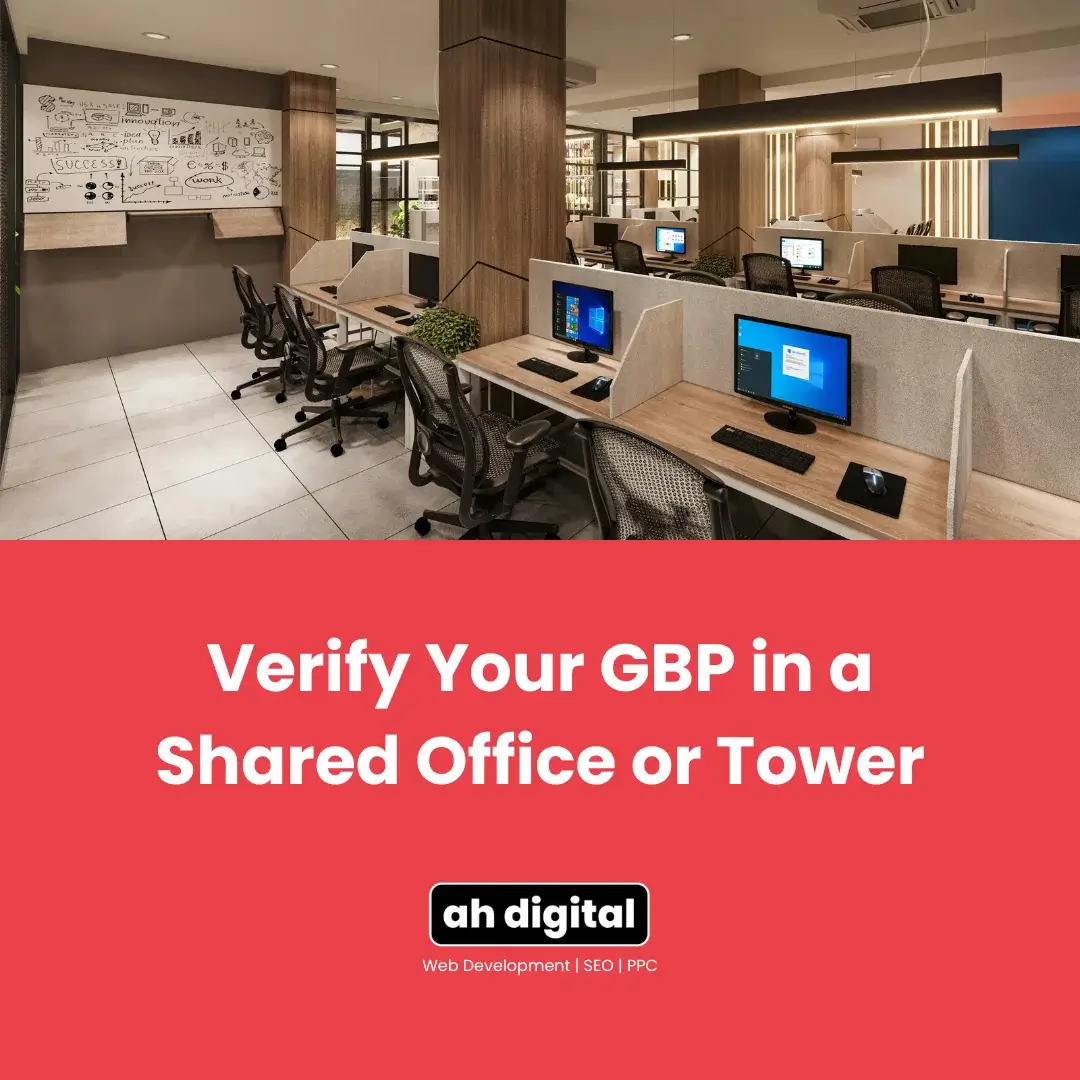
Client: “We’re on the 14th floor of a Business Bay tower. There’s no street sign with our name on it. How do we even film this?”
Honest answer: not the way Google’s instructions describe it.
The standard verification video assumes a shopfront. Exterior sign, street-level entry, walk inside. Most Dubai SMBs sitting in towers, business centres, and coworking spaces have none of that, through no fault of their own.
Here’s what actually qualifies instead, what doesn’t, and the escalation path when automated review simply can’t judge your situation fairly.
This comes up constantly across Dubai’s SMB economy, since a huge share of businesses here operate from exactly this kind of space: a leased floor in a tower, a coworking membership, a shared unit inside a business centre. None of it is unusual. It just doesn’t match the shot list Google originally built for standalone shopfronts.
Why the Standard Verification Video Doesn’t Work Here
Automated review checks for a specific shot list: exterior signage, street entry, a name that matches the building. Towers and coworking spaces rarely offer any of this, and that’s a real, recurring problem for legitimate businesses, not a rare edge case.
This isn’t a business owner’s fault. It’s a mismatch between Google’s template, built around shopfronts, and how a large share of Dubai’s SMB economy actually operates. How the business type is set up during verification can also affect how the automated system treats a shared-space listing from the start, choosing the wrong option here can compound the signage problem rather than working around it.
Real cases from Google’s own community forum show business owners hitting this exact wall, submitting a genuine, honest video and still getting rejected, simply because the footage doesn’t match the automated template’s expectations.
If you haven’t recorded a verification video yet, the standard recording checklist is still worth reading first, since some of it still applies even in a shared-office situation. But expect the exterior-signage step specifically to be the sticking point.
What Google Actually Needs to See Instead
Your name on the building or floor directory
If your company name appears on the ground-floor building directory or your specific floor’s directory board, film that clearly. This substitutes for exterior signage in a way automated review can sometimes recognise.
A clearly labelled suite or unit number on your door
Without a suite number clearly labelled on your actual door, reviewers have no way to confirm you occupy a specific, identifiable space rather than just having a mailing address in the building.
Visible internal signage inside your space
A permanent sign inside your unit, not a printed sheet taped up for the recording, at your reception desk or main work area.
Proof you’re physically present during your stated hours
Show yourself, staff, or genuine business activity happening in the space. This is the piece that separates an occupied office from a purely nominal address.
Community guidance on this specific question consistently comes back to the same core requirement: prove genuine, continuous occupancy, not just a lease agreement or a mailing address. A signed contract alone doesn’t satisfy this, ongoing evidence of actually being there does.
If you’re setting a profile up from scratch, getting the basics of your listing right before you ever reach verification saves you from most of this friction later.
Coworking Spaces Have an Extra Layer of Scrutiny
Coworking desks face tighter requirements than a standalone tower office. Video verification for a coworking space is genuinely harder to complete unless you have clear, permanent signage and can prove you and any staff are physically present during your stated hours.
A coworking address can support a Google Business Profile, but only with permanent signage, staff on site, and customers who can genuinely visit. A flexible hot-desk arrangement with no fixed presence typically fails this bar.
The default assumption you’re working against: Google treats a shared-space address as a virtual office until you prove otherwise. That’s the mindset to plan your documentation around.
Membership tiers matter here too. A dedicated desk you occupy daily is a very different case from a flexible, book-as-you-go arrangement with no fixed spot. If your coworking membership doesn’t guarantee you a consistent physical location, that’s worth addressing head-on in your documentation rather than hoping it goes unnoticed.
When Automated Review Can’t Judge Your Case Fairly, Escalate
Live video verification includes a path where a support agent can apply contextual judgment to genuinely borderline cases like a shared office or tower. This is exactly the situation it exists for.
Prepare before you request it: your trade licence, tenancy contract or Ejari for the specific suite, photos of the building directory and your door signage, alongside the verification video itself. A request backed by documents moves further than one backed only by an explanation.
General Dubai verification guidance points to the same underlying principle across every method Google offers, postcard, phone, email, or video: the more consistent and complete your supporting documentation, the smoother each option tends to go. Escalation to a human reviewer isn’t a special favour. It’s simply asking for the review method that fits your situation.
Business Bay, JLT, and DIFC: What This Looks Like in Practice
Business Bay towers commonly have a shared building reception with individual floor directories, film the floor directory alongside your suite door for the clearest combination.
JLT’s cluster buildings work similarly: a shared ground floor, individual company signage inside specific floors. The floor and suite documentation matters more here than anything at street level.
DIFC and other free zones have their own widely accepted convention: building name plus unit number as the address, with businesses across DIFC, Dubai Internet City, and Jebel Ali maintaining verified profiles this way when the documentation is handled properly.
Standard Dubai setup guidance still recommends including as much building and office detail as possible in the address itself, floor number, tower name, community, not just a generic street address. This gives both the automated system and any human reviewer more to work with from the very first step, rather than trying to compensate for a thin address later in the verification video.
What About Shared Shopping Centre Units?
Shared retail and mall units are being flagged especially heavily right now. A shared unit inside a shopping centre resembles the exact “no independent signage” pattern automated review is trained to catch, even when the business is entirely legitimate.
The same documentation and escalation approach applies here, unit-specific signage, proof of the space being genuinely yours, and physical presence during stated hours, just with extra emphasis on distinguishing your specific unit from the shared centre around it.
The Takeaway
No storefront doesn’t mean no verification. It means a different kind of proof, and often, a human reviewer instead of an automated one.
If your video verification has already been rejected once for this exact reason, understanding the full list of rejection triggers helps you confirm this is genuinely a signage issue rather than something else stacked on top of it.
Building directory. Suite number. Real presence. Documented, not assumed.
If your business sits in a tower, coworking space, or shared unit and verification is stuck, AH Digital’s GBP management services in Dubai handle exactly this kind of case. We also run the SEO and Google Ads side of lead generation, the combination behind results like a 4,200 percent increase in lead form submissions for past clients. Fill in the quick form, WhatsApp us, or call +971 56 544 6241 directly.
Shaji Vempanadan’s Dubai office is a similar case we handled cleanly. His own words after: “Abdul was very quick and prompt in all responses. We got it approved at the first go!” More on how verification works.