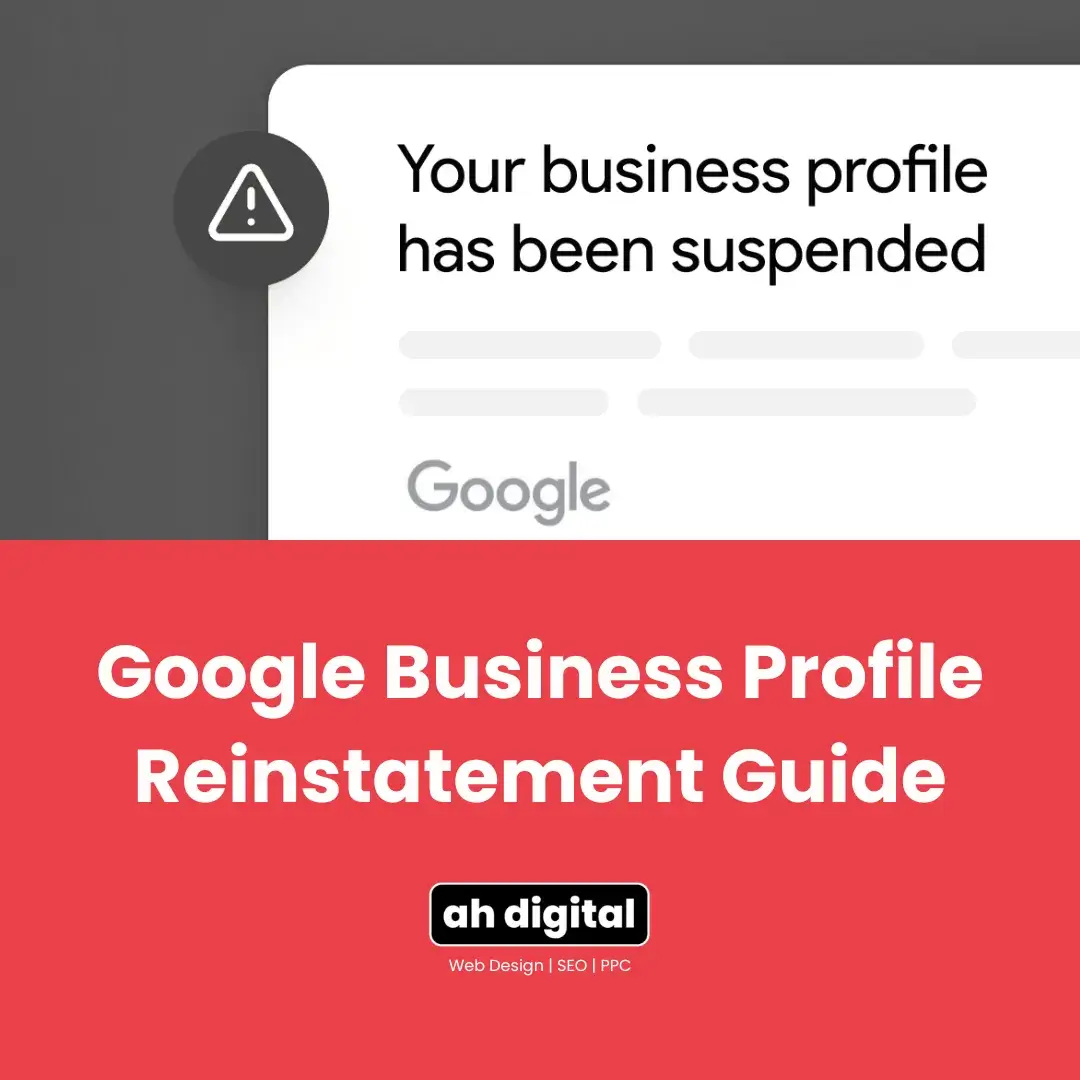
Client: “My listing just disappeared. No warning, no explanation, nothing.”
That’s how most suspensions feel from the outside. From Google’s side, there’s almost always a specific, fixable reason, and a specific process that gets a profile back. Panic edits and long, defensive appeals slow that process down. A calm sequence speeds it up.
Suspensions have been climbing steadily into 2026, and every day your profile is down is a day of lost calls and walk-ins. Here’s the exact three-stage process that gets first appeals approved: diagnose, fix, appeal.
UAE businesses run into this more than most. Local quirks like PO box culture, virtual office setups, and trade licence names that don’t quite match shopfront signage all create the kind of inconsistencies Google’s automated systems flag as suspicious. None of that means your business did anything wrong. It means the profile has details that need lining up before Google will trust it again. The same name and signage precision matters at video verification stage too, so getting it right once tends to prevent both problems.
Step 1. Read the Dashboard Warning Word for Word
Before you touch anything, read the suspension notice in full. Google’s dashboard message usually points to a category of issue, even if it doesn’t spell out every detail.
Skimming it and guessing at the cause is the single biggest reason business owners waste their first appeal. If the notice mentions a policy area you don’t fully understand, look it up before you start fixing things at random. You get one clean appeal that actually gets read carefully. Use it on the right problem.
It helps to write down, in plain language, exactly what the notice says before you do anything else. That single sentence becomes your checklist for Step 2. Businesses that skip this and start editing their profile immediately often end up fixing the wrong thing, then wondering why the appeal still gets denied.
Step 2. Fix the Public Inconsistencies First
Google won’t reinstate a profile that still has the violation sitting in plain sight. Fix these before you touch the appeal form.
Check your name, address, and phone number everywhere
Your business name, address, and phone number need to match exactly across your website, your Google Business Profile, and any directories you’re listed on. A mismatched phone number or an old address on your website is enough to keep an appeal stuck.
This is called NAP consistency (name, address, phone), and it’s one of the first things an automated review checks. Search your business name online and see what comes up on old directory listings, freelance marketplace profiles, or a previous website. Update or remove anything that’s out of date.
Remove keyword stuffing from the business name
Names like “Best Real Estate Agency Dubai 24/7” get flagged. Your listing name should match your trade licence and your signage, nothing added. It’s tempting to stuff extra keywords into the name field hoping it helps with search visibility, but Google treats this as a policy violation, not an SEO tactic, and it’s a common trigger for suspension in competitive UAE categories like real estate and home services.
Confirm your category and hours are accurate
An overly broad or incorrect category, or hours that don’t match reality, are both small things that count against you at review time. Choose the most specific, accurate primary category available rather than the broadest one that technically applies.
If you’re not confident your basics are right, getting your profile fundamentals right in the first place is worth a read before you go further. It covers the same details, name accuracy, category precision, and consistent information, that keep a profile in good standing long before suspension ever becomes a risk.
Step 3. Gather Evidence That Actually Moves an Appeal
This is where most appeals succeed or fail. Evidence-based appeals, backed by clear factual proof, consistently outperform long emotional explanations about how the suspension is affecting your business.
Google accepts a trade licence, Ejari, a recent DEWA bill, business registration documents, and clear photos of your signage. Submit at least two of these, and make sure every single one shows the exact same business name and address as your profile. A mismatch on even one document is often enough for a denial.
Think of it from the reviewer’s side. They’re comparing your documents against your listing in a matter of minutes, not reading a story. A DEWA bill from three months ago with your business name spelled slightly differently does more harm than a shorter appeal with two documents that match perfectly. Quality and consistency beat quantity every time.
One practical note: once you open the evidence upload form, you typically have around 60 minutes to attach your documents before the window closes. Have everything ready and saved on your device before you start the appeal, not while it’s already open.
This same evidence-first mindset applies well beyond suspensions too. The same approach works for failed video verification: specific proof beats a vague explanation every time Google reviews a case.
Step 4. Submit One Clean Appeal via business.google.com
Sign in with the Google account that manages the profile, open the appeals tool, and select the specific decision you’re appealing. Attach your evidence, write a short, factual statement of what was wrong and what you corrected, and submit.
Then wait. Don’t submit a second appeal while the first is pending, and don’t make further edits to the profile in the meantime. Constant changes during a review read as instability to Google’s systems, and that slows reinstatement down rather than speeding it up.
Keep your statement short and factual. State that the profile was suspended, confirm you’ve reviewed the relevant guidelines, list the specific changes you made, and note the evidence attached. Long, defensive explanations about how unfair the suspension feels don’t help. A reviewer working through a queue responds to clarity, not persuasion.
How Long Does GBP Reinstatement Take?
Initial responses are currently running around three to five business days, a big improvement on the backlog seen through parts of 2025. Full resolution, especially for more complex cases, can still take longer.
First-time appeals with clean documentation tend to move through review faster than second or third attempts, so it’s worth the extra hour of preparation to get everything right the first time. If you haven’t heard back after the typical window, checking your Business Profile settings for an update is a better move than submitting a second appeal on top of the first.
What If My First Appeal Gets Denied?
Don’t resubmit immediately. Go back to the denial notice and read exactly what it flagged this time, since it may differ from your original assumption.
Fix precisely that issue, gather any missing documentation, and submit one more clean appeal. Success rates do drop with each repeat attempt, so treat the second appeal with even more care than the first, not less.
If a second appeal also comes back denied, that’s the point to stop and get an outside read on the account. At that stage the issue is often something structural, like an account-level flag rather than a single listing problem, and it’s worth having someone who handles these regularly take a look before you submit again.
The Takeaway
Diagnose, fix, appeal, in that order. Skipping straight to the appeal, or panic-editing the profile while it’s suspended, both work against you.
Evidence beats emotion. Every appeal.
If you’d rather have someone experienced handle the diagnosis, the fix, and the appeal for you, AH Digital’s GBP management services in Dubai cover exactly this. We also run the SEO and Google Ads side of lead generation, the combination behind results like a 4,200 percent increase in lead form submissions for past clients. Fill in the quick form, WhatsApp us, or call +971 56 544 6241 directly.