You verified your Google Business Profile. A few weeks later Google asked you to verify it again. You did. Then it asked again.
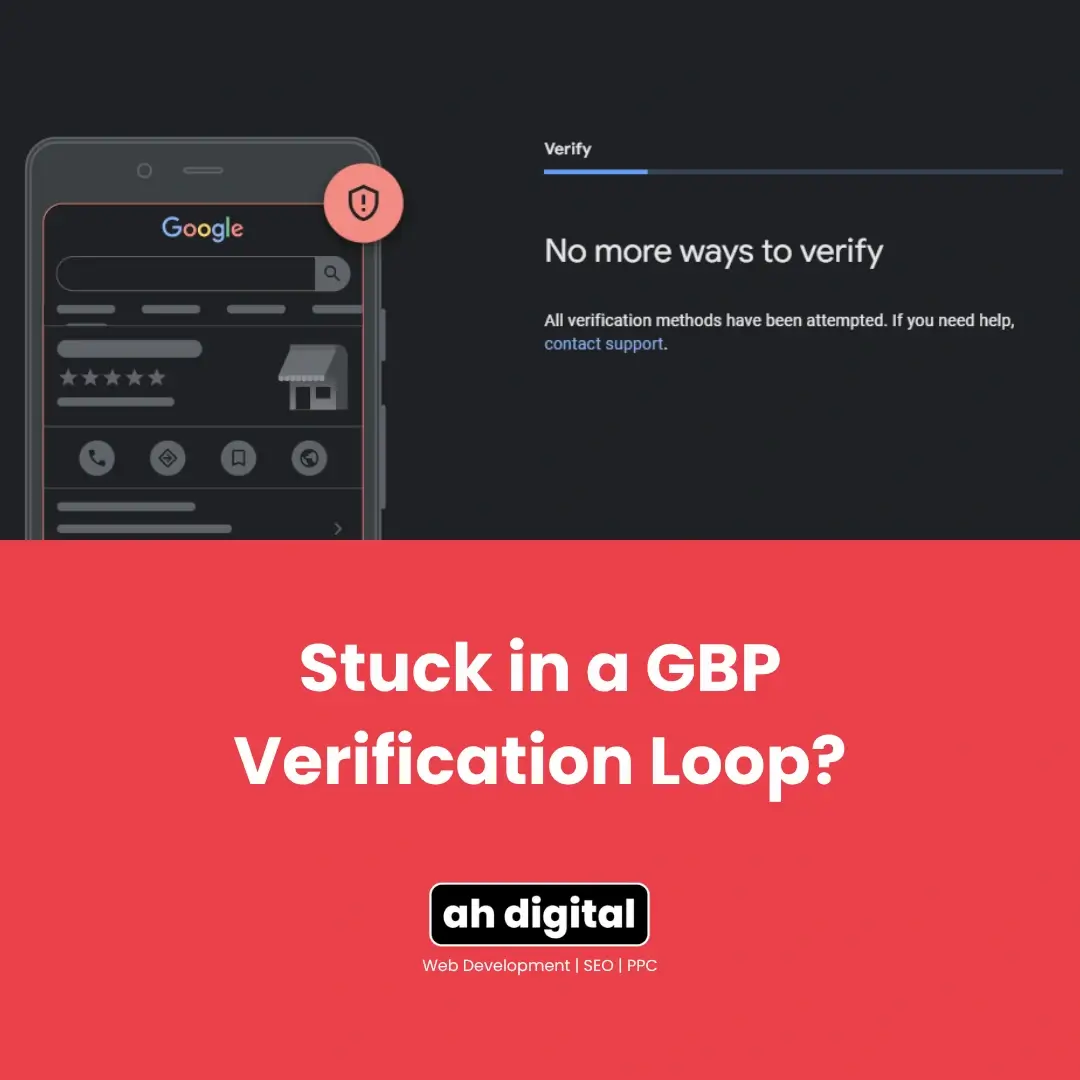
Now you are staring at a message with no obvious way past it: “No more ways to verify.”
The maddening part is that you almost certainly did nothing wrong. Verification loops are usually triggered by completely ordinary profile edits, and once you are in one, doing the obvious thing makes it worse.
Here is what starts a loop, why resubmitting is the wrong instinct, and the one method that reliably ends it.
What a Verification Loop Actually Looks Like
Verified Then Unverified
The pattern is consistent. A profile that has been live and verified, sometimes for years, suddenly reverts to unverified status. You complete verification again. It works, briefly, and then the request returns.
Business owners who were previously verified are being pushed back into re-verification after making simple profile edits, which is why it feels so arbitrary from the inside.
The “No More Ways to Verify” Dead End
Eventually the system stops offering options and says there are no more ways to verify. This is where most people give up, assuming the profile is lost.
It is not. It means the automated pathways are exhausted, and businesses across many markets have hit exactly this wall. There is still a route through, and it involves talking to a person.
Reports of this go back years and cover every business type, including service area businesses caught in repeated verification despite no profile changes. If it is happening to you, it is a known pattern rather than something unique to your listing.
What Triggers Re-Verification?
Direct answer: profile edits, particularly to the fields Google uses to judge legitimacy.
Category Changes
Changing your primary category is one of the most reliable triggers. It tells Google the business may be something different from what was verified, which restarts the trust check.
Adding secondary categories can do it too, especially when the new category has stricter rules than the original.
Hours and Service Area Edits
Ordinary housekeeping causes real problems here. Adding categories, updating hours or adjusting service areas can all trigger the re-verification loop.
This catches UAE businesses more than most, because hours get edited for Ramadan, then edited back, then adjusted for public holidays. Each change is a signal.
Address Formatting
Small address edits carry more weight than they appear to. Changing “Office 402” to “402” or adding a building name can be enough, because address is the field Google leans on hardest when deciding whether a business is real.
Ownership and Access Changes
Adding a new manager, transferring primary ownership, or verifying from a different Google account than the one originally used can all prompt fresh checks. The system is asking whether the person now holding the profile is the person who proved the business exists.
This matters for agencies and for businesses where the person who set up the listing has left. Verification is tied to the account as much as the business, so access changes carry weight.
Long Dormant Profiles
A profile that has sat untouched for a couple of years and then suddenly gets edited can also trigger a check. From Google’s side, a dormant listing waking up looks similar to a listing being taken over.
Why Editing a Live Profile Is Riskier Than It Looks
Trust Signals and Sudden Changes
Google is watching for a specific pattern: a verified listing that gets edited into something different. That pattern is how listing hijacking works, so the system reacts to it strongly.
Your legitimate category correction and a hijacking attempt can look similar from the outside, particularly if several fields change close together.
The Safer Way to Make Edits
Make one change at a time and leave gaps between them. Several edits in a single session look considerably more suspicious than the same edits spread across a few weeks.
Avoid editing anything in the days immediately after verification completes, which is when profiles are watched most closely.
How Do You Break the Loop?
Direct answer: request the live video chat, and stop uploading recorded videos.
Live Video Chat With a Google Rep
The recorded video route is what got you into the loop. The live option puts you in a video call with an actual Google representative who can resolve cases the automated system keeps rejecting.
A human can see that your office genuinely exists, that the signage is real, and that you are who you say you are. That judgement is exactly what the automated check cannot make.
What to Have Ready Before the Call
Preparation matters, because these calls are short.
- Install Google Meet and Google Maps on the phone you will use, updated to the current version
- Sign in with the exact Google account that owns the profile, not a personal one
- Have your trade licence and tenancy contract to hand
- Be physically at the business address during the call
- Make sure exterior signage is visible and readable
If you are verifying from a shared office or business tower, our guide on verifying a GBP in a shared office or coworking space covers what the representative will expect to see.
If Live Chat Is Not Offered
The live option does not always appear immediately. If you cannot see it, work through the standard support flow and request it explicitly, describing the loop and the number of attempts already made.
Google’s own verification documentation sets out the available methods, and which ones are offered depends on your business type and history. Persistence in asking for a human review is reasonable here, since the automated routes have demonstrably failed.
How Long Do Loops Usually Last?
Direct answer: as long as you keep feeding them, which is why the approach matters more than the waiting.
Loops Do Not Time Out On Their Own
There is no point at which a verification loop expires and resolves itself. Cases documented in Google’s own community have run for months while owners repeatedly resubmitted.
The loop ends when a human intervenes or when the trigger is removed. Time alone does nothing.
What This Costs While It Runs
An unverified profile loses visibility in local results and can stop showing in Maps entirely. That is real lost enquiries for every week it continues, which is why treating it as a background annoyance is expensive.
If your listing has gone quiet in Maps, it is worth checking whether verification is the cause rather than assuming a ranking problem. Our guide on profiles that are verified but still not showing on Maps covers how to tell the difference.
What Not to Do
Repeated Blind Resubmissions
Uploading the same video repeatedly is the most common response and the least effective. Each failed attempt adds to the pattern that keeps the loop running.
If two attempts have failed, the third will fail for the same reason. Change the approach rather than the attempt. Our breakdown of why Google rejects verification videos explains what usually goes wrong, and the first-try checklist covers what a passing video contains.
Creating a Second Listing
Under pressure, starting a clean listing looks appealing. It is the fastest way to turn a temporary problem into a permanent one, because Google connects listings by address, phone, website and account.
A loop is frustrating. A duplicate can end your eligibility at that address entirely.
Preventing the Next One
Batch Your Edits
If you know several changes are coming, plan them. Make them together in one deliberate session, then leave the profile alone, rather than adjusting something every few days.
Constant small edits create the impression of an unstable listing, which is precisely what triggers extra scrutiny.
Leave It Alone After Verification
The riskiest window is right after verification. Give it a few weeks before making changes, particularly to name, address or category.
Posts, photos and reviews are safe. Those are ordinary activity. It is the core identity fields that restart the checks.
Keep Your Documentation Current
Whatever proved your business exists at verification is what you will need again. Keep the trade licence, tenancy contract and a recent utility bill somewhere you can reach quickly, and update the photos of your signage when anything about the frontage changes.
Being ready to verify at short notice turns a loop from a multi-week problem into a single afternoon.
The Bottom Line
Verification loops are almost never a punishment. They are a trust check misfiring on ordinary edits, and the instinct to resubmit another video is what keeps them running.
Stop uploading. Request the live video chat, prepare properly, and be at the premises with your documents ready. One conversation with a person usually ends what a dozen automated attempts could not.
If you have been stuck in this for weeks and want it handled by someone who deals with Google verification regularly, our Google Business Profile management service does exactly this for UAE businesses. WhatsApp us or call +971 56 544 6241 and we will look at where the loop is breaking.
Shaji Vempanadan’s Dubai office never entered a loop at all. His own words after we handled it: “Abdul was very quick and prompt in all responses. We got it approved at the first go!” Getting it right before you submit is always the cheaper path. How we approach it.
The automated system cannot see your office. A person can. Get to the person.