Client: “The marketing coordinator who set up our Google listing left two years ago. We don’t even know her password.”
That’s a more common story than it sounds. It’s one of the most common reasons established Dubai businesses lose control of the exact listing that brings them the most calls.
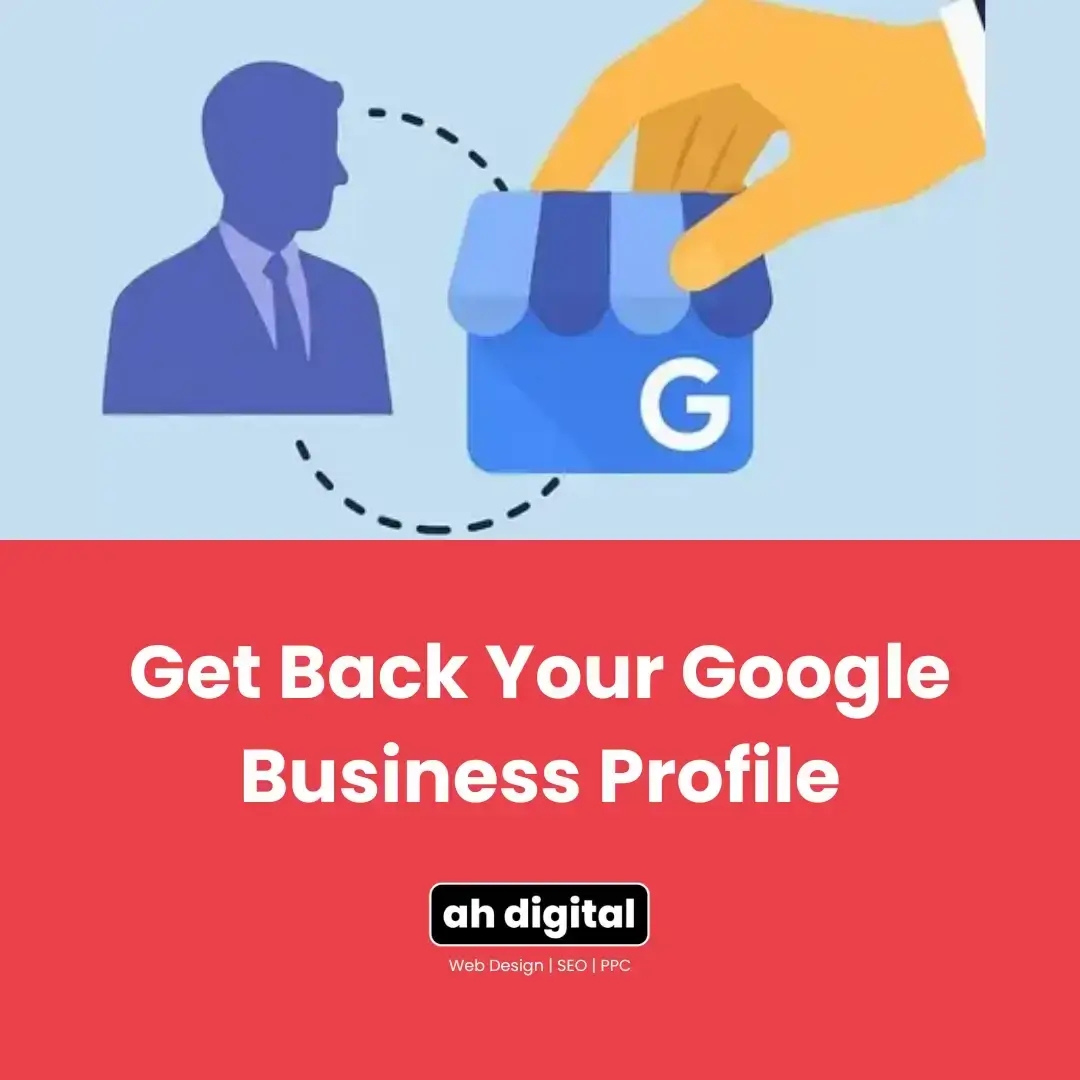
Three scenarios cause this, over and over: a former employee set the profile up on a personal Google account, an agency created it and never transferred primary ownership to you, or the business changed hands without the listing changing hands along with it. Here’s the exact process to get it back, and the one mistake that makes the situation permanently worse.
This comes up constantly with multi-location groups and franchises in the UAE, where the person who originally set up each listing often left the company years before anyone thought to check who actually controls it. By the time it becomes urgent, usually when a new manager wants to update hours or respond to reviews and finds they can’t, there’s no shortcut. There’s only the process, done properly.
Why This Happens to Established Businesses
A former employee set it up on a personal account
Someone on the original team created the listing years ago using their own Gmail, not a shared business account. They leave the company, and the business no longer has any way to log in.
An agency created it and never transferred primary ownership
Some agencies set up and manage a GBP listing but keep themselves as Primary Owner indefinitely, whether by oversight or by design. If you switch providers or the relationship ends, you’re locked out of your own listing. Contracts rarely spell out who owns the listing itself, only who manages it, which is exactly the gap that causes this.
The business changed hands without the listing changing hands
A business gets bought, sold, or restructured, and everyone assumes the Google listing came with it. It didn’t. Whoever’s Google account is tied to it as Primary Owner still controls it, regardless of who signs the trade licence now.
This is especially common with UAE business sales where the buyer inherits the trade licence, the premises, and the staff, but nobody thinks to ask for a list of every online account tied to the business, GBP included, until months later when something needs updating.
If you’re setting up a profile fresh rather than recovering one, getting the ownership structure right from day one avoids this exact problem down the line.
How to Request Ownership of Your Google Business Profile
Find the listing and submit the official request
Google’s official process starts with finding your business on Google Search or Maps and requesting access through the profile itself. When you reach Google’s help form, select “Transfer ownership of listing” as the issue you need help with.
Clearly state your relationship to the business and select the correct role when you submit it, current owner, employee, or authorized representative. A vague or incomplete request is easier for Google to deprioritize.
Have your trade licence and any proof of your role ready before you start. If your business name on the licence doesn’t exactly match what’s on the listing, a common situation in the UAE where the registered legal name and the shopfront name differ, mention that upfront rather than letting it look like a mismatch nobody explained.
What the current owner sees, and their 3-day window
Once you submit the request, you’ll get a confirmation email, and the current Primary Owner gets notified by email as well. They then have 3 days to respond, approve it, deny it, or let it expire without action. If your profile has also had video verification issues in the past, the same account confusion (wrong Google login, unclear who’s authorized) tends to show up there too, this checklist covers getting that part right once access is sorted.
What Happens After You Submit the Request
There are three outcomes once your request goes in. If the current owner approves it, you get access right away, no further waiting.
If they deny it, you may have the option to appeal directly with Google, depending on the circumstances. If they don’t respond at all within the 3-day window, that’s when a self-claim path can open up, worth checking your original confirmation email for a claim or verify option once the window passes.
None of these three outcomes are instant beyond the first. Build the 3-day wait into your plans rather than treating it as a formality, and resist checking every few hours, the timeline runs on Google’s side regardless of how often you refresh your inbox.
If the Request Is Denied or Ignored
Appealing a denial
A denial doesn’t always end things. Some appeals succeed, particularly when you can show clear proof of your relationship to the business, trade licence, tenancy contract, or a business registration certificate all help.
Keep the appeal factual and short. State what you’re appealing, attach your documentation, and avoid a long explanation of how frustrating the situation is, a reviewer responds to evidence, not tone.
Claiming the profile after no response
If the 3-day window passes with no response from the current owner, you may be able to claim the profile as an unmanaged listing instead of waiting indefinitely. This path exists specifically for cases like an ex-employee who’s unreachable or simply ignoring the notification.
Escalating to Google Support with documentation
When standard requests stall entirely, escalating to Google Support with real documentation, trade licence, a recent utility bill, or business registration papers, moves things forward faster than resubmitting the same request. A real case from Google’s own community forum shows exactly why documentation matters: vague requests without it are the ones that stall with no appeal path offered.
Once you do regain access, moving the profile cleanly to the account that should manage it going forward is worth doing properly rather than leaving it split across old and new accounts.
Don’t Make This One Mistake While You Wait
Creating a brand-new listing out of impatience is the single worst move here. The same principle that applies to suspended profiles applies here too, evidence and process beat shortcuts, and a shortcut here can get both listings flagged as duplicates.
Worse, your existing reviews and history stay stranded on the original profile, the one you’re actively trying to recover. A brand-new listing starts from zero, no reviews, no history, no ranking signal built up over time. Ownership-transfer best practice is consistent on this point: work the official channel, however slow it feels, rather than starting over.
How Long Does a GBP Ownership Request Take?
At minimum, 3 days, the window the current owner has to respond before anything else can happen. This timeline has stayed consistent going into 2026, so plan around it rather than expecting same-day access.
If it escalates to a denial appeal or a manual Google Support review, add more time on top. Submitting early and with complete documentation is what actually shortens the real-world wait, not urgency in your message to Google.
The Takeaway
This is a documented process with a real timeline, not something to route around. Three days minimum, sometimes longer, but a working path every time.
For multi-location groups, it’s worth auditing every listing now, not after the next handover, to confirm who actually holds Primary Owner on each one. Finding this out during a calm moment beats discovering it during an emergency.
Reclaim it properly. Once beats twice.
If you’d rather have someone experienced handle a stuck ownership request for you, especially for enterprise groups managing several locations at once, AH Digital’s GBP management services in Dubai cover exactly this. We also run the SEO and Google Ads side of lead generation, the combination behind results like a 4,200 percent increase in lead form submissions for past clients. Fill in the quick form, WhatsApp us, or call +971 56 544 6241 directly.