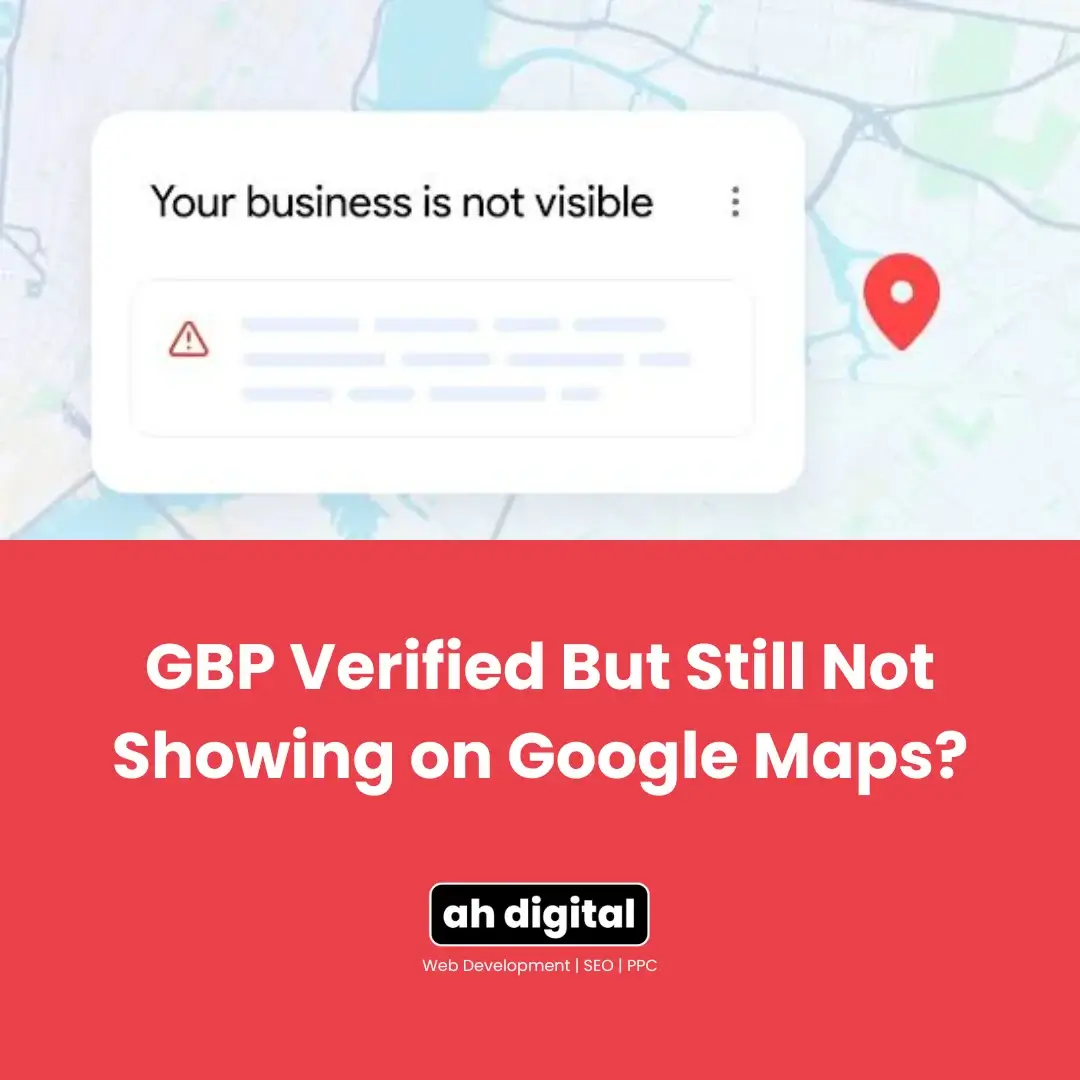
Client: “It says verified. I searched my own business name. Nothing came up.”
That panic is real, and completely understandable. But verified and visible aren’t the same thing.
Google runs your profile through setup, verification, and trust checks as separate layers. Passing verification doesn’t mean every layer has cleared yet. Here’s what’s actually happening when a verified profile stays invisible, how to test it properly, and when it’s genuinely time to worry.
Most UAE business owners who reach out about this have already spent a week refreshing search results and re-checking their dashboard for an error message that never appears. There isn’t one to find. The profile is fine. The timing and the testing method are usually the actual issue.
Verified Isn’t the Same as Visible
This is the single biggest misconception driving panic in this exact situation. Verification confirms you’re a real business at a real location. It doesn’t automatically mean Google has finished deciding where and when to show you.
Your profile can be fully active behind the scenes while still being filtered out of public results until the remaining checks pass. That’s not a bug. It’s the normal sequence, just one most business owners never hear about until they’re staring at an empty search result.
Think of it less like a switch and more like a queue. Verification gets you into the queue. It doesn’t guarantee where in that queue you land, or how fast Google’s systems work through it for your specific category, location, and competition level.
Why Your Profile Might Still Be Invisible
Indexing lag
New or recently verified profiles typically take 5 to 14 days to appear, and complex cases can stretch longer. This isn’t unique to any one industry, but competitive categories and busy areas tend to sit at the longer end of that range.
Dubai and Abu Dhabi both fall into that “busy area” bracket for most service categories, real estate, restaurants, salons, and trades all compete in dense, high-listing-volume neighbourhoods. If you’re in one of these, lean toward the longer end of the window before assuming something’s wrong.
Proximity filtering
Google decides Map Pack visibility using relevance, distance, and prominence together, not relevance alone. Distance from the searcher is a genuine ranking factor. Local ranking signals get weighed alongside proximity and prominence in this same calculation, so a profile can be perfectly set up and still rank differently depending on exactly where the search happens.
This is the part that confuses owners most. A perfectly optimised profile can still rank behind a less polished competitor simply because that competitor’s premises sit closer to a given searcher. Distance isn’t a tiebreaker here. It’s one of the three core inputs, weighted alongside how relevant and how established your profile appears.
Personalised results
Your own search results are quietly working against you here. Even people standing on the same street can see different local pack results, shaped by their individual search history and account signals. If you’ve searched your own business name a dozen times this week, Google’s results for you are no longer a neutral test.
Personalisation is a deliberate, ongoing part of how search results work, not an occasional quirk. Your device, your saved locations, your past clicks, even which apps you have installed, all feed into what you personally see. None of that reflects what a first-time searcher encounters.
How to Actually Test If You’re Showing Up
Search in incognito, logged out, from a neutral location
Open a private/incognito browser window before you test anything. It’s a meaningfully better test than your normal browser, though worth knowing the limits: incognito reduces personalization but doesn’t remove geolocation, IP address, or language signals. It’s a better test, not a perfect one.
Search your exact business name plus city
Search your exact business name together with your city, not a generic service term. This combination is the most reliable single test for whether your profile is indexed at all, separate from how well it ranks for broader searches.
If your exact name and city returns nothing at all, that’s a stronger signal than a generic service search returning weak results. The first tells you whether you’re indexed. The second tells you how competitive your ranking is, a completely different question, and one that only matters once the first is answered.
Check both Search and Maps, desktop and mobile
Confirm visibility across both Google Search and Google Maps, and on both desktop and mobile, since these can occasionally show slightly different results during the indexing window. One clean test across all four combinations tells you far more than a single quick search.
Keep a simple log while you test: date, device, logged in or out, and what you saw. A single incognito search that shows nothing today isn’t proof of a problem on its own. A pattern across several days and devices is what actually tells you something.
What to Check Before You Panic-Edit Anything
Before assuming it’s purely a timing issue, rule out the quieter cause: an incomplete profile. Missing service areas, an incorrect category, inconsistent NAP details, or no business description can silently keep a profile from showing publicly, independent of how long you’ve waited.
A dozen distinct factors can each independently suppress visibility, everything from an unclaimed listing elsewhere to a mismatched phone number sitting on an old directory. Working through a proper checklist catches these in a way that simply waiting never will.
If you’re setting a profile up for the first time, getting the local SEO fundamentals right from the start avoids most of this category of problem entirely. A profile built correctly from day one rarely runs into this at all.
Resist the urge to make a flurry of edits the moment something feels off. Frequent changes to a still-settling profile can introduce new review triggers rather than resolving the original wait. One deliberate pass through your fields, done once and done properly, beats a week of small anxious tweaks.
When Should You Actually Worry?
If more than 14 days have passed, your profile is genuinely complete, and consistent incognito testing from a neutral location still shows nothing, that’s the point to actually investigate rather than wait longer.
At that stage, two underlying causes are worth ruling out specifically. First, getting verification right in the first place, since an incomplete or improperly verified profile behaves exactly like this. Second, check whether it’s actually a suspension rather than a slow index, since a suspended profile can look identical to a simply delayed one from the outside.
The distinction matters because the fix is completely different in each case. A slow index just needs more time. A failed verification needs re-recording. A suspension needs the diagnose-fix-appeal process. Treating all three the same way, by waiting, only works for one of them.
The Takeaway
Timing and testing method explain most of these cases. Not a broken listing, not a wasted verification.
Give it the window it actually needs, test it the right way, and most of these cases resolve on their own within the normal timeframe. The businesses that struggle longest are usually the ones who panic-edited early, not the ones who waited and tested properly.
Verified is step one. Visible takes a little longer.
If two weeks have genuinely passed with a complete profile and nothing’s changed, AH Digital’s GBP management services in Dubai can diagnose exactly what’s holding your profile back. We also run the SEO and Google Ads side of lead generation, the combination behind results like a 4,200 percent increase in lead form submissions for past clients. Fill in the quick form, WhatsApp us, or call +971 56 544 6241 directly.