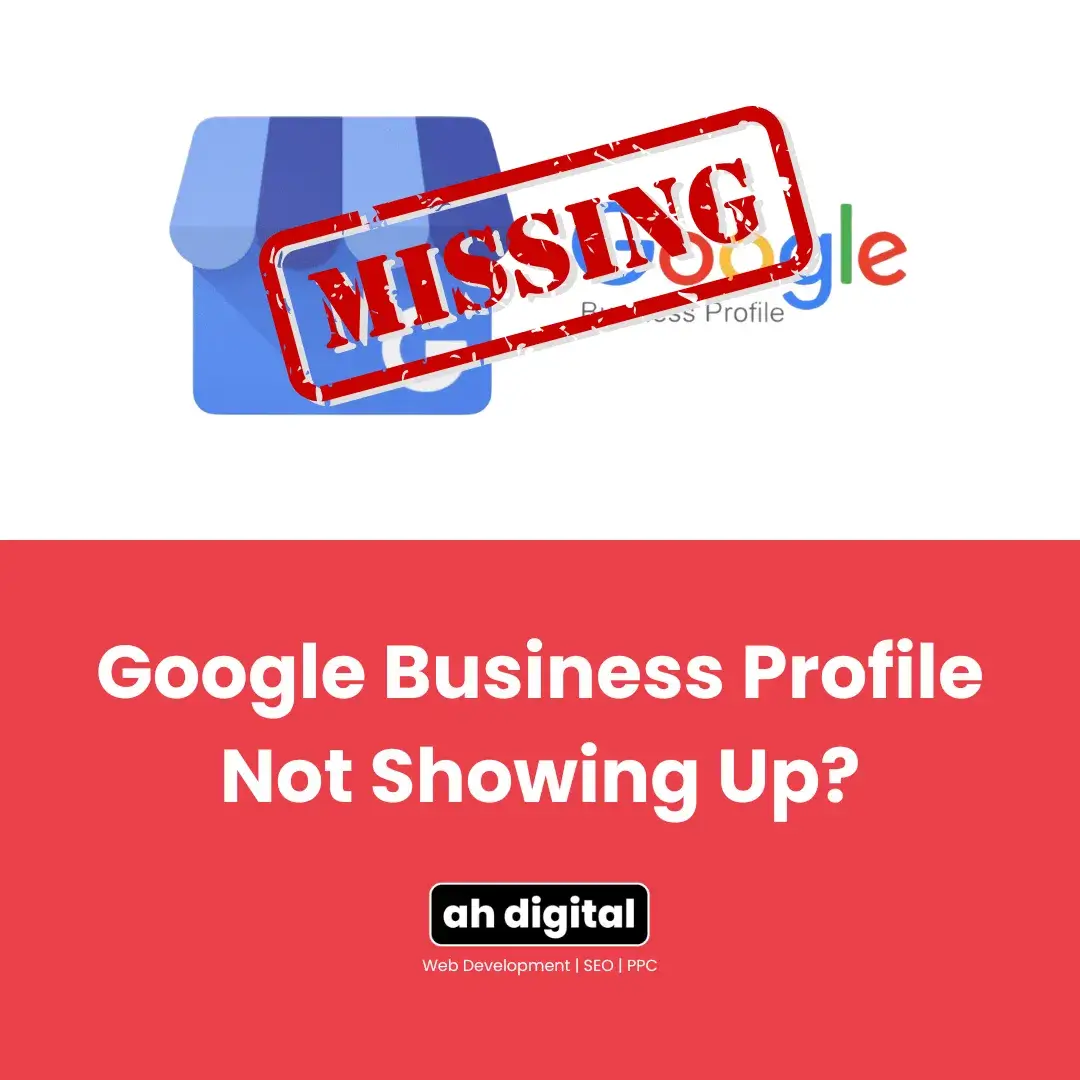
If you are saying, “I verified my Google Business Profile three weeks ago. My friends can’t find it. My customers can’t find it. Why is my Google Business Profile not showing up?”
Wrong question.
The right question is: which of the six reasons is causing it?
Because “Google Business Profile not showing up” isn’t one problem. It’s a category. Each cause has a different fix. And until you know which one you’re dealing with, you’re just guessing — and waiting.
That guessing time is expensive. Research from On The Map Marketing shows that 78% of local mobile searches lead to an offline purchase within 24 hours. Every day you’re invisible, those customers are going somewhere else.
This post walks you through every reason your profile might be hidden, how to diagnose which one applies to you, and exactly what to do next.
Verification and Visibility Are Not the Same Thing
Most business owners assume that once Google says “verified,” the job is done. It’s not.
Verification means Google has confirmed you are who you say you are. Visibility means Google has decided to show your business to searchers. These are two separate steps with two separate timelines.
How Long Does It Take for a Google Business Profile to Show Up?
According to Google’s official support documentation, the review process after you complete verification can take up to 5 business days. If you chose the postcard method, the code itself takes up to 14 days to arrive in the mail — and that’s before the 5-day review even starts.
So realistically, you could be looking at 3 weeks from start to visibility, just from the postcard method alone. That’s not a bug. That’s the process.
An analysis of real GBP timelines puts it plainly: most profiles show up within 1–14 days after verification is complete. If yours hasn’t appeared after two full weeks post-verification, you’re no longer dealing with a timing issue. You’re dealing with a technical one. And waiting longer won’t solve it.
Why “Verified But Not Showing” Is Still Very Common
Verification gets you into the system. It doesn’t guarantee placement in search results or on Google Maps. Google still needs to evaluate your profile for completeness, consistency, and compliance before it starts surfacing it to the public.
This is why so many business owners say their Google Business Profile is verified but not showing — and why they’re right to be frustrated. Verification is step one. There are several more.
6 Reasons Your Google Business Profile not Showing Up
1. Verification Was Interrupted or Incomplete
The most common reason. You started the process, got distracted, and never finished entering the code. Or you changed your business address while waiting for the postcard to arrive — which automatically invalidates the code and resets the clock.
Check your dashboard. If there’s still a “Get verified” button visible, your profile is not verified, regardless of what you may remember doing.
2. Your Profile Has Been Suspended
This one catches a lot of business owners off guard. Google can suspend your profile without sending a clear notification, and a suspended profile is invisible to the public.
PinMeTo’s local SEO research identifies the most common suspension triggers:
- Adding keywords to your business name (e.g., “Al Noor Plumbing — Best Plumber Dubai” instead of just “Al Noor Plumbing”)
- Using a P.O. box or mailbox service as your business address
- Listing a virtual office or co-working space as a permanent location
- Having duplicate listings for the same business
- Making several major changes to the profile in a short period
If your profile is suspended, you’ll usually see a notice in your Google Business Profile dashboard. If you’re not sure, search your business name on Google while logged out of your account. A suspended profile will simply not appear.
3. Google Is Reviewing an Edit You Made
You updated your address. Or changed your primary category. Or rewrote your business description. Now nothing seems to have changed publicly.
This is normal — but it’s also frustrating when you don’t know it’s happening.
Google’s own guidelines state that edits typically take about 10 minutes to review. But they can take up to 30 days. Major edits — specifically changes to your address, business name, or primary category — are the most likely to trigger longer review cycles. These fields are common targets for spam, so Google applies more scrutiny.
An analysis of pending edit patterns notes that if your profile information conflicts with what Google finds elsewhere on the web — other directories, your website, social profiles — the review process slows down further. Consistency across all platforms isn’t optional. It directly affects how quickly Google trusts and publishes your edits.
4. You’re Too Far from the Searcher
Your profile is live, verified, and complete. But when someone searches “restaurant near me” or “plumber in Deira,” you’re not showing up.
This might not be a problem with your profile at all. It might be proximity.
Google uses three core factors to decide local rankings: relevance, distance, and prominence. Distance is exactly what it sounds like — how physically close your business is to the person searching. Google publicly confirms that these three signals are the foundation of every local result.
If a competitor is physically closer to the searcher, they’ll often outrank you regardless of how optimized your profile is. You can’t move your business. But you can improve relevance and prominence, which are the two factors you do control — and we’ll cover that shortly.
5. Your Profile Is Incomplete or Inconsistent
An incomplete profile doesn’t just look unprofessional. It actively suppresses your visibility.
Google needs enough information to match your business to the right searches. Without a complete business category, accurate address, consistent phone number, and at least a few photos, the algorithm struggles to understand what you are, who you serve, and whether you’re trustworthy.
The data supports this. Research cited by PinMeTo shows that businesses with complete, well-optimized GBP listings are 2.7 times more likely to attract engagement from customers — clicks, calls, and direction requests — compared to incomplete profiles.
Inconsistency is equally damaging. If your business name is spelled differently across your website, Google profile, and online directories, Google treats that as conflicting data and reduces confidence in your listing.
6. Your Profile Is Only Visible to You
This one throws people off. You search your business name and see your profile. A colleague or customer searches the same thing and sees nothing.
This is usually a new-listing delay. Google often makes a profile visible to the verified account owner before it rolls out publicly. It’s not fully indexed yet. Give it the full 14-day post-verification window before drawing conclusions.
It can also happen after a major edit. The update is visible in your dashboard but hasn’t propagated across Google Search and Maps yet. Both surfaces update on slightly different timelines.
How to Tell Which Problem You Have
Before you start trying fixes at random, run this quick self-diagnosis:
Step 1: Open a private/incognito browser window and search your business name. This removes any logged-in personalisation. If you see your profile, it’s live. If you don’t, the issue is public visibility, not a display glitch.
Step 2: Log into your Google Business Profile dashboard. Look for any warnings, alerts, or suspension notices. A suspended profile will show a clear status message.
Step 3: Check the status of recent edits. In your dashboard, any pending changes will be flagged. If edits are stuck in “Pending,” you know what’s causing the delay.
Step 4: Check your verification status. If there’s a “Get verified” prompt anywhere in your dashboard, that’s the root cause — nothing else matters until that’s resolved.
Understanding the local SEO basics for small businesses will help you see how your GBP fits into a broader local visibility strategy — not just as a standalone listing, but as part of how Google decides who shows up first.
How to Fix a Suspended Google Business Profile
A suspension feels dramatic. It doesn’t have to be permanent.
What Triggers a Suspension
The most common causes: keyword-stuffed business names, addresses that don’t meet Google’s standards (virtual offices, shared spaces, P.O. boxes), listings that look like duplicates, and rapid sequential changes to sensitive fields like name or address.
High-risk industries — certain legal, financial, or medical categories — are also more likely to receive additional scrutiny.
The Appeals Process, Step by Step
First, fix the problem before you appeal. If you appeal with the same issue still in place, you’ll be rejected.
Once you’ve corrected the profile, use Google’s official appeals tool to submit your reinstatement request. Guidance from UENI’s suspension appeal guide is clear on one critical point: once you click “Submit Appeal,” you have exactly 60 minutes to upload supporting evidence. Get your documents ready before you start — business licence, photos of your physical location, signage, utility bills showing your address.
Your written appeal statement has a 1,000-character limit. Use it to state the facts, not to make an emotional case. Explain specifically what you changed and why the profile should be reinstated.
After submission, Google typically takes up to 5 business days to review. If your appeal is denied, you can submit one additional review with new evidence. Don’t submit multiple appeals in parallel — it creates confusion and can slow the process further.
Why Your Update on Google Business Profile Isn’t Showing Up
You made a change. It’s not live. Here’s what’s actually happening.
Every edit you submit goes through Google’s automated review system first. Simple changes — updating hours, adding a photo — usually clear in minutes. Major changes — new address, different primary category, edited business name — get routed to a deeper review cycle.
Google’s guidelines are clear: edits can take up to 30 days in some cases. This is not a malfunction. It’s a deliberate quality check designed to prevent fraudulent listings from updating themselves with fake information.
If an edit has been sitting in “Pending” for more than 10 days, check whether your profile information is consistent with your website and other directories. Inconsistency is a common reason Google stalls the review. Fix the mismatches first, then contact Google support with your case ID if the pending status continues past 30 days.
How to Rank — Not Just Show Up
There’s a difference between appearing on Google and actually ranking in the Local 3-Pack.
The 3-Pack is the top three map results that show for local searches. Backlinko data shows that 42% of local searches result in clicks on those top three results. If you’re visible but not in the 3-Pack, you’re capturing a fraction of the available traffic.
Google decides 3-Pack placement using the same three factors mentioned earlier: relevance, distance, and prominence.
Relevance is about how well your profile matches the search query. Your primary category is the single most important relevance signal. Choose it carefully. Add secondary categories that reflect your actual services. Use your business description to naturally include the service types and locations you serve.
Prominence is how well-known and trusted Google believes your business to be — based on reviews, photos, posts, website authority, and mentions across the web. Profiles that post regular updates appear more frequently in results. Businesses with a strong volume of authentic reviews consistently outperform those with few or none.
This is where Google Business Profile management in Dubai becomes a strategic decision, not just a maintenance task. An optimised, actively managed profile compounds over time. A neglected profile decays.
If you’re seeing consistent visibility issues alongside broader SEO gaps, it’s worth reviewing your local SEO services in the UAE — because your GBP and your website work together, not in isolation.
FAQ
1. Why Is My Google Business Profile Only Visible to Me?
This usually means your profile was recently created or recently edited and hasn’t fully indexed across all Google surfaces yet. It can also happen when a profile is live in your dashboard but hasn’t propagated to Google Maps or public Search. Give it the full 14-day window after verification before assuming something is wrong.
2. How Long Before My Google Business Profile Shows Up?
The honest answer: 1–14 days after verification is complete, in most cases. The postcard verification method adds 5–14 days before you even receive the code. Once the code is entered, the review process itself can take up to 5 business days. If you’re past the two-week mark with no visibility, that’s when you start troubleshooting — not before.
3. Why Is My Google Business Profile Not Publicly Visible After Verification?
Verification confirms your identity — it doesn’t guarantee immediate public visibility. Google still needs to review your profile for completeness and policy compliance. A new or recently modified profile may sit in a review queue. Check your dashboard for any alerts, confirm your information is consistent across the web, and wait the full post-verification window before escalating.
4. Can I Speed Up the Review Process?
Somewhat. Using faster verification methods (video or phone) shortens the initial timeline. Keeping your profile consistent with your website and other directories reduces the chance of edits getting flagged for manual review. And ensuring your profile is fully complete — every field filled, photos added, category correctly chosen — reduces the chance of a review delay caused by incomplete data. There’s no way to bypass Google’s queue entirely, but a clean, complete, consistent profile moves through it faster.
The Fix Is Simpler Than You Think
Your Google Business Profile not showing up is almost always traceable to one of the six causes above.
Not verified. Suspended. Pending edits. Too far from the searcher. Incomplete profile. New-listing propagation delay.
Run the self-diagnosis. Identify the actual cause. Then fix that — not everything at once, not randomly.
If you’ve already done all of this and still can’t figure out why your profile isn’t publicly visible, the issue is likely deeper than a quick setting change. That’s where a structured audit helps. Book a free consultation to audit your profile — we’ll tell you exactly what’s holding you back and what to fix first.
Showing up on Google isn’t luck. It’s a process. Fix the process.