Ramadan begins. Your actual hours shift, as they do every year. Your Google Business Profile still shows last month’s schedule.
A customer checks Google before driving over, sees hours that no longer apply, and either arrives to a locked door or skips a business that Google told them was closed when it was actually open. Either way, that is a customer lost to a setting that took two minutes to fix and nobody opened.
This happens to well-run businesses every single year, not because anyone is careless, but because the setting that handles it is genuinely easy to miss. Here is exactly where it lives and how to use it correctly.
Where the Setting Actually Is
Edit Profile, Then Hours
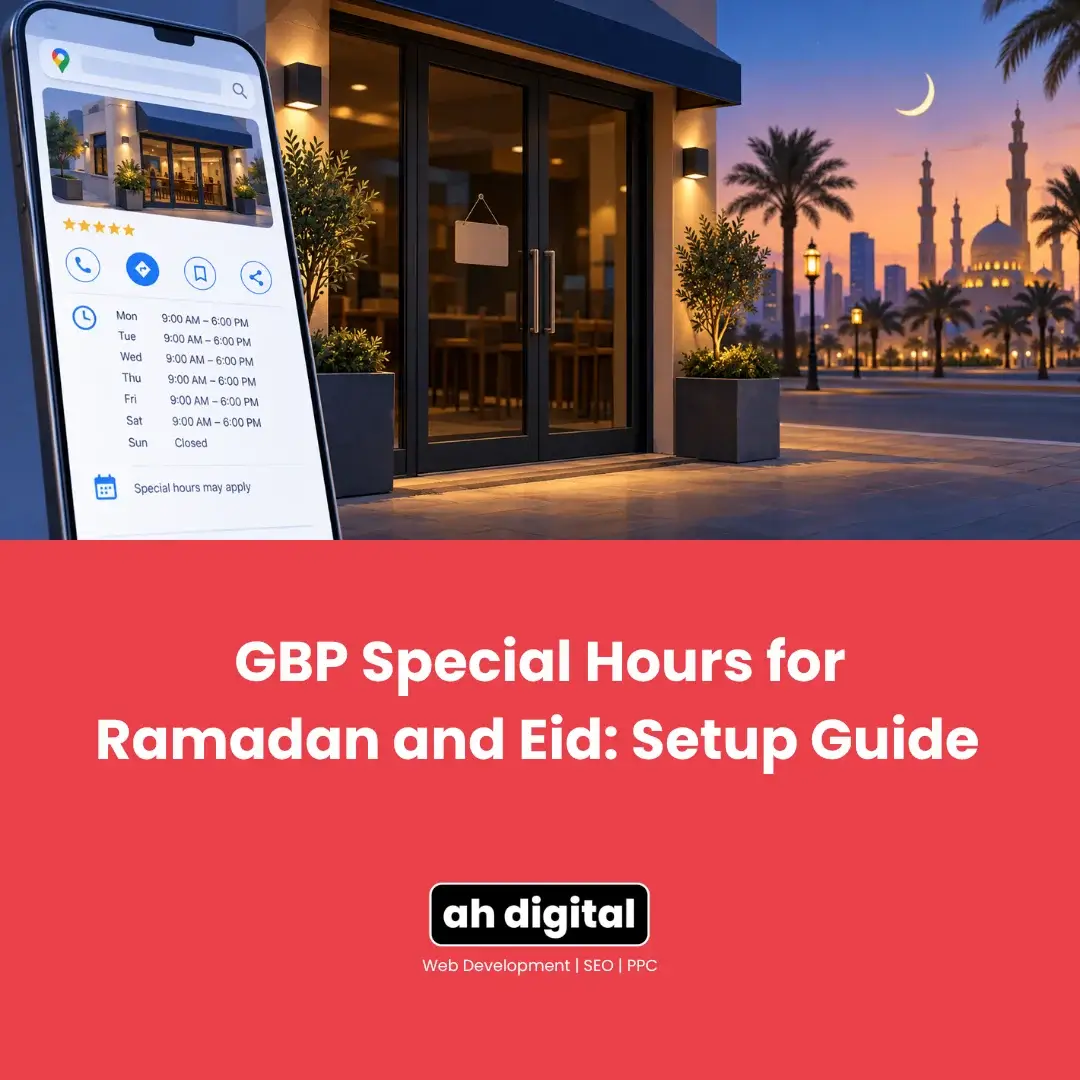
From your Business Profile, Google’s own instructions are direct: select Edit profile, then Hours. Inside the Business Hours section, there is a separate Edit option specifically next to Special Hours, distinct from your regular weekly hours above it.
This is the part most owners scroll past. It sits quietly next to the everyday hours setting, easy to assume is the same thing, and easy to never click.
You Need Regular Hours Set First
Special hours only becomes available once your standard weekly hours exist. If your profile has never had proper hours configured at all, that is the first thing to fix, and special hours will not function as a workaround for an incomplete profile.
How the Setting Actually Works
Google Often Suggests the Date For You
Once inside Special Hours, Google frequently suggests upcoming official holidays automatically, based on where your business is located. For a UAE business, this commonly includes dates like Eid al-Fitr and Eid al-Adha, ready to confirm with a single click rather than entered manually.
For anything not on the suggested list, a custom date can be added directly. This matters because not every adjusted trading day, a shortened Ramadan evening, an unusual National Day schedule, will appear as a pre-suggested holiday.
Setting the Actual Hours
For each date, either uncheck the Closed box and enter the specific opening and closing times for that day, or leave Closed checked if the business will not operate at all. Multiple time ranges can be added for a single day if hours are split, which suits businesses that close for a break and reopen later.
Save It Properly
The change is not live until saved, and it is worth checking back on the profile afterward to confirm the date and hours actually display as intended, rather than assuming the save succeeded.
The Limit Nobody Reads Until It Matters
Six Days Is the Ceiling
Google’s guidance states plainly that special hours cover a business that adjusts its hours or remains closed for up to 6 days in a row. This is not a soft guideline, it is the boundary the feature is designed around.
What to Do Past Six Days
For a closure of 7 days or more, or one with no fixed end date, Google’s own instructions say to mark the business as Temporarily Closed rather than continuing to use special hours. Trying to stretch special hours across a longer period does not work the way owners sometimes assume.
Why Ramadan Specifically Needs a Different Approach
It Is Too Long for a Single Special Hours Entry
Ramadan runs close to thirty days, well beyond the six-day window special hours is built for. Treating it as one long special-hours event does not fit the tool as designed.
The more accurate approach for most businesses: update your actual regular hours for the duration of Ramadan, reflecting genuinely shortened or shifted trading times, then change them back once Ramadan ends. This is more work than a single special-hours click, and it is also the version that actually matches how the feature is meant to be used.
Eid Itself Is Different Again
Eid al-Fitr and Eid al-Adha are short, specific dates, exactly what special hours was designed for. If your business closes entirely or runs different hours for one to a few days around Eid, this is precisely a special hours situation, distinct from the month-long Ramadan adjustment around it.
Do not conflate the two. Ramadan gets a regular-hours update for the month. Eid gets individual special hours entries for its specific dates.
What Happens If You Get This Wrong
Confused Customers, Lost Calls
A customer who arrives based on incorrect hours does not usually call to ask why. They leave, and often choose whichever nearby competitor’s hours actually matched reality. This is a completely avoidable loss, and it repeats every single year for businesses that never build the habit of updating this one setting.
Google Itself Grows Less Confident
Beyond the customer experience, a profile with hours Google cannot confirm as accurate is treated more cautiously in real-time, time-sensitive searches, like “open now near me.” Correct hours are not just a courtesy to customers, they are a trust signal to Google as well.
Why Ramadan Hours Are a Legal Question Too, Not Just a Listing One
The Two-Hour Reduction Is Mandated, Not Optional
Worth knowing before deciding what to put on your profile: this is not purely a commercial choice. The Ministry of Human Resources and Emiratisation reduces normal working hours for private sector employees by two hours per day during Ramadan, under the implementing regulations of Federal Decree-Law No. 33 of 2021.
The reduction applies to all private sector employees regardless of whether they are fasting, and MoHRE also permits flexible or remote arrangements within those reduced daily hours.
What That Means for Your Listing
If your staffing hours are shrinking by two hours a day by law, your customer-facing hours almost certainly change with them. Businesses that update the rota but leave the Google profile untouched create exactly the mismatch this post is about, and it is entirely predictable a month in advance rather than a surprise.
Build It Into a Yearly Habit
Put It on a Calendar
Because Ramadan and Eid dates shift each year on the Gregorian calendar, this is not a set-once task. The most reliable fix is a recurring calendar reminder two to three weeks before Ramadan begins, and another around each Eid, to check and update hours before the change actually happens rather than during it.
One Person Should Own This
For any business with more than one person managing the profile, confusion often comes from nobody being clearly responsible for this specific update. Assign it to one person, every year, rather than assuming someone will remember.
The Bottom Line
The setting exists, it takes minutes to use correctly, and it is genuinely easy to overlook precisely because it sits quietly next to the regular hours option. Special hours handles short holidays like Eid cleanly. Ramadan itself needs a temporary update to your regular hours instead, reverted afterward.
Get this right once as a process, put a reminder in place, and this stops being an annual scramble.
If you would rather have your profile’s seasonal hours managed properly every year without having to remember it yourself, our Google Business Profile management service covers exactly this kind of ongoing maintenance.
WhatsApp Hameed for a quick question, or call +971 56 544 6241 for a free consultation. There is also a contact form if you would rather write it out.
The door being locked when Google said otherwise is not a small detail to a customer standing outside it.