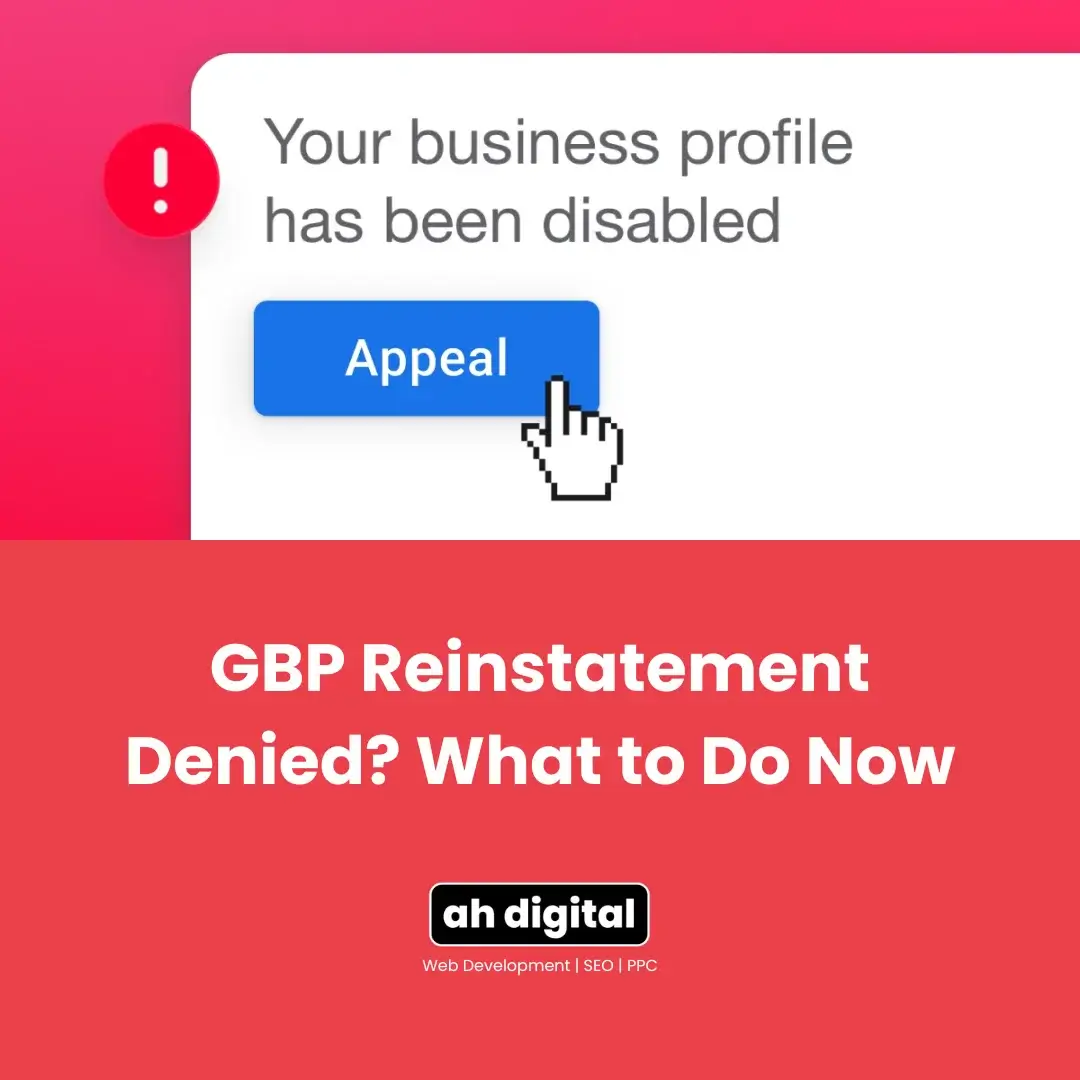
The email arrives and says your appeal has been denied. No reason. No explanation. No suggestion of what to do next.
For most business owners that is where it ends. They assume a human reviewed the case, decided against them, and that is that.
That assumption is usually wrong, and it costs people a profile they could have recovered.
Here is what a denial actually means, what has to change before you try again, and the escalation route most UAE businesses never find out about.
Why Appeals Get Denied Without a Reason
The Automated First Pass
The first review of an appeal is frequently automated. Your documents get checked against expected patterns, and if they do not match closely enough, the denial comes back quickly with no detail.
That is why speed of denial tells you something. A rejection within hours rarely means a person weighed your evidence. It means a system did not find what it was looking for.
What “Denied” Actually Means
A denial says the evidence submitted did not establish eligibility. It does not necessarily say your business is ineligible.
Those are different statements, and the gap between them is where most successful second appeals live. Understanding the underlying reason for the denial matters far more than resubmitting quickly.
Can You Appeal a Second Time?
Direct answer: yes. Google allows a re-appeal after an initial denial, and second appeals succeed regularly when something meaningful has changed.
Google Allows One Re-Appeal
The re-appeal is a genuine second chance rather than a formality. The process explicitly allows for an additional review where you can provide evidence that was not included the first time.
What Must Change Between Attempts
This is where most people go wrong. They submit the identical appeal again, sometimes within the hour, and receive the identical denial.
Something has to be different. Either the violation causing the suspension has been fixed, or your documentation is materially stronger. If neither is true, waiting and resubmitting achieves nothing except using up your second attempt.
Before appealing again, read through the eight common reasons Google suspends profiles and be honest about which one applies to you. Fix that first.
How Long to Wait Before Reappealing
There is no official waiting period, but immediate resubmission is rarely wise. Give yourself enough time to actually fix the violation and gather better documents, which usually means days rather than minutes.
If you have changed the business name back, updated the address or removed a non-compliant category, those changes need to be live on the profile before the appeal is reviewed. Appealing while the corrections are still pending means the reviewer sees the old version.
What to Expect From the Process
Timelines Are Inconsistent
Some appeals come back within hours. Others take weeks. A slow response is not a bad sign, and it often means a human is genuinely reviewing rather than an automated check rejecting instantly.
The reinstatement process runs on Google’s schedule rather than yours, and chasing it does not speed it up.
Do Not Edit the Profile While Waiting
This catches people out. Making changes during an open appeal can restart the review or complicate it, because the reviewer is assessing a profile that keeps changing underneath them.
Make your corrections, submit, then leave it alone until you have an answer.
Building a Stronger Second Appeal
Documentation That Actually Moves It
The evidence that works proves the address, not the business. Google is rarely questioning whether your company exists. It is questioning whether you legitimately operate from the location on the profile.
For UAE businesses, the documents worth including are:
- Trade licence showing the business name and address
- Tenancy contract or Ejari for the premises
- A recent DEWA or utility bill in the business name
- Photos of permanent exterior signage with the building identifiable around it
- Photos of the interior showing an operating business, not an empty room
Gathering stronger documentation before reappealing is the single highest-impact thing you can do.
Fixing the Underlying Violation First
If your profile was suspended for a keyword-stuffed business name, change the name back to the real one before appealing. If it was a virtual office address you do not staff, that needs resolving rather than defending.
Appealing while the violation is still live is asking Google to approve something that still breaks the rules. Our full reinstatement guide walks through the fix-then-appeal sequence in order.
Escalating to a Product Expert
The Help Community Route
This is the step most business owners never discover. If your re-appeal fails, you can raise the case in the Google Business Profile Help Community, where Product Experts can request a manual review of a denied case.
These are experienced volunteers recognised by Google, not Google employees, and they can escalate cases that the automated process keeps rejecting.
What a Human Reviewer Can Override
An escalated manual review puts your case in front of a person who can look at context an automated check cannot: a legitimate business at a slightly unusual address, a shared premises arrangement, a name that looks promotional but is genuinely registered.
Post the case clearly. State the business name, the address, what happened, what you have already tried, and what documentation you hold. A well-presented case is far more likely to be picked up than a frustrated complaint.
How to Write the Escalation Post
Keep it factual and short. Product Experts read a lot of these, and the ones written as complaints get skipped.
Lead with what the business is and where. State the suspension date and what you believe triggered it. List what you have already corrected. Say plainly what documents you can provide. Avoid arguing that Google is wrong, even when you believe it is, because the person reading has no power over the original decision and every reason to help someone presenting a clean case.
A structured second submission with fresh evidence is treated very differently from a repeat of the first.
The One Thing That Makes It Permanent
Direct answer: creating a replacement profile. Do not do it, no matter how tempting it becomes.
Never Create a Replacement Profile
After weeks of failed appeals, starting fresh feels like the obvious move. It is the single most damaging thing you can do.
Google tracks business identity across profiles. A duplicate created while the original is suspended is treated as a deliberate attempt to bypass enforcement, and it can make you ineligible for a listing at that location permanently.
Why Google Tracks You Across Listings
Google connects listings through address, phone number, website, business name and the account that created them. Changing one or two of these does not disguise anything.
We covered this specific trap in more depth in the one mistake that makes a suspension permanent, because it is the error we see most often from businesses who have run out of patience.
When the Answer Is Genuinely No
Relocation and Restructuring
Occasionally the profile genuinely cannot be recovered at that address. A virtual office you do not staff, a location that does not meet eligibility rules, or an address already tied to an enforcement history.
At that point the honest options are structural: a real premises, a properly staffed location, or setting the business up as a service area business if that reflects how you actually operate.
Knowing When to Stop
Weeks spent appealing an ineligible address is time not spent building visibility another way. If two appeals and an escalation have all failed and nothing about the situation has changed, the profile is not the problem to solve.
Local visibility does not depend on a Google Business Profile alone. Our beginner’s guide to local SEO covers what still works while you sort the listing out.
The Bottom Line
A denial is not a verdict on your business. It usually means the evidence did not match what an automated check expected.
Fix the underlying violation. Gather documents that prove the address rather than the company. Use your re-appeal deliberately rather than immediately. If that fails, escalate to a Product Expert and present the case properly. And whatever happens, do not create a second listing.
If your profile has been denied more than once and you would rather hand it to someone who does this regularly, our Google Business Profile management service handles reinstatements for UAE businesses. WhatsApp us or call +971 56 544 6241 and we will tell you honestly whether the profile is recoverable.
Denied is not the same as finished. It usually just means the case was not made properly yet.